No API credentials
Works with your PayPal.Me username. No developer app, client ID or secret to set up.

 PPayments
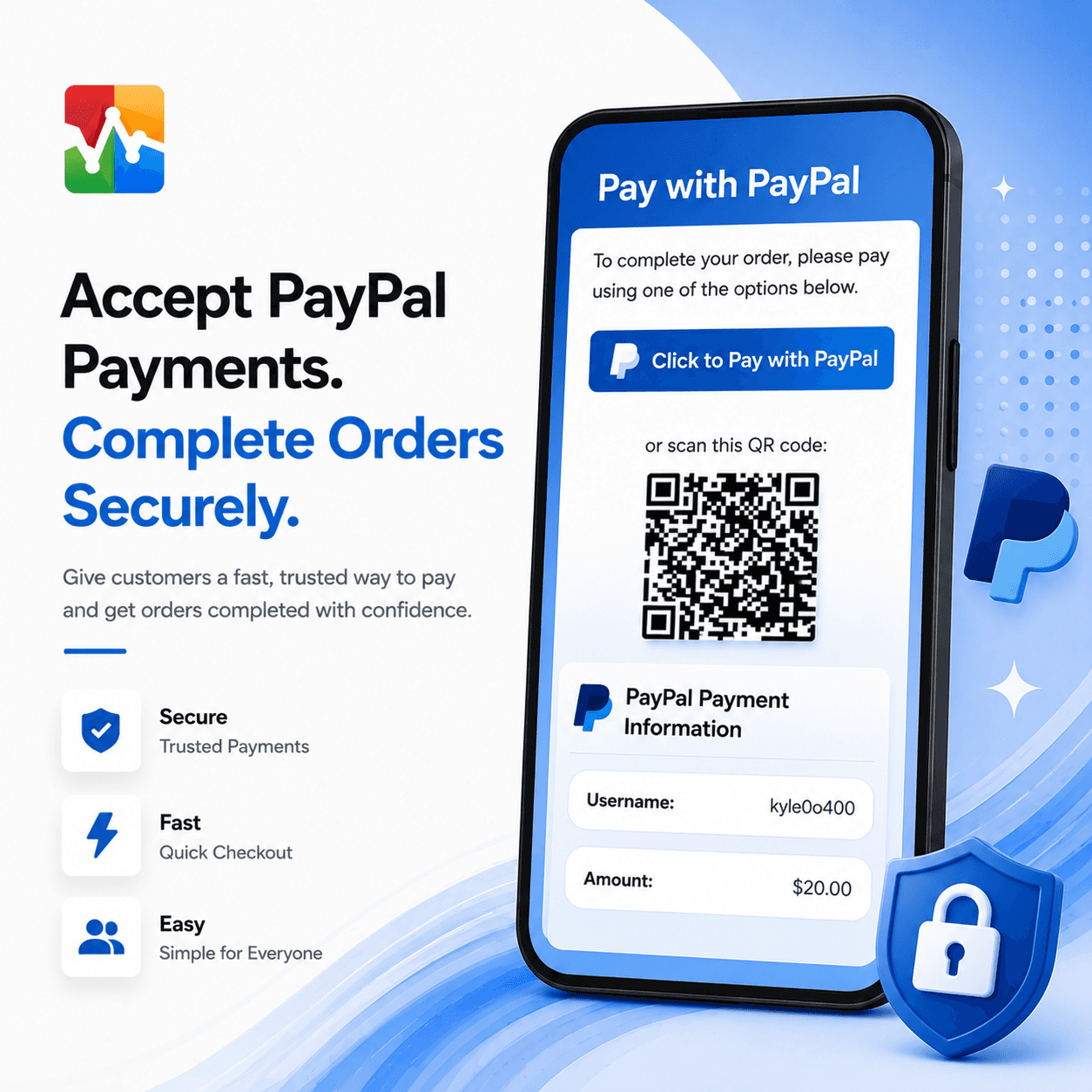
Take PayPal payments in WooCommerce without API keys. One tap opens PayPal.Me with your username and the order total filled in, and customers are reminded to include the order number.
30-day money-back guarantee · Secure checkout by Stripe
Skip developer accounts and API credentials. Customers pay your PayPal.Me link with the amount already entered, and each payment is tied back to its order.
Works with your PayPal.Me username. No developer app, client ID or secret to set up.
The pay button and QR code open PayPal with your username and the exact order total.
The thank-you page asks customers to include their order number, and shows the exact note to use.
Forward PayPal payment emails to a parser and matching orders update themselves. Mismatched amounts are flagged.
The pay button opens your PayPal.Me link with the order total already entered. No developer account, client ID or secret needed.
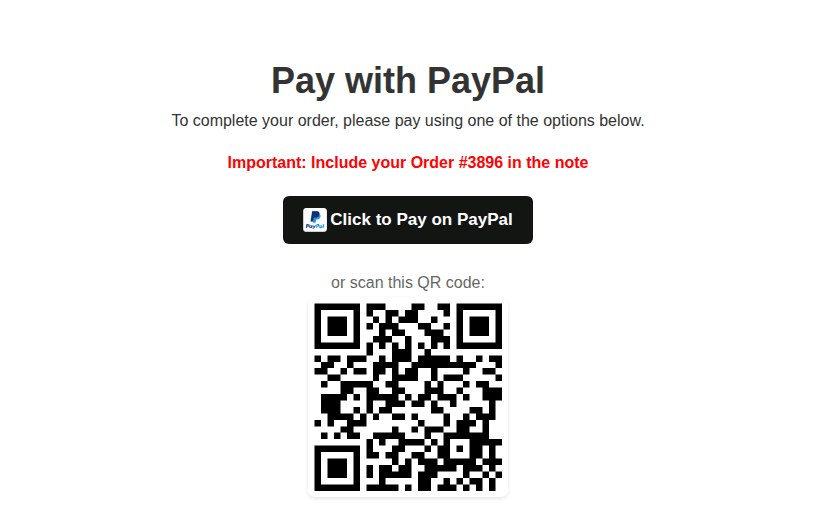
The Click to Pay on PayPal button and QR code open PayPal with your username and the exact total, with a reminder to include the order number.
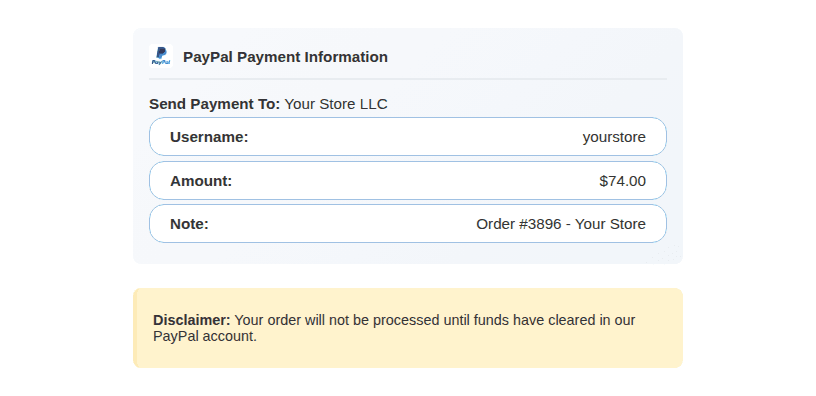
Your name, PayPal username, the exact amount and the note to use, with a reminder that orders ship once funds clear.
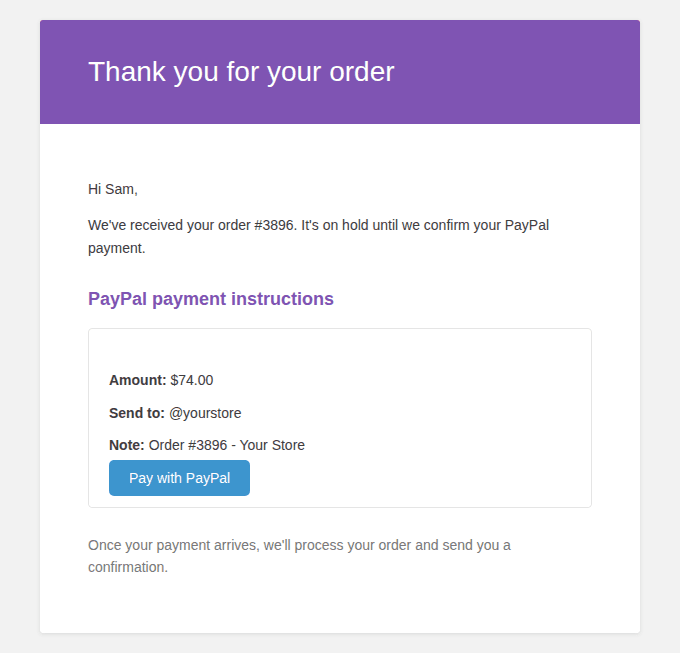
The order email includes the amount, where to send it and the note, so customers can pay later from their phone.
Checking PayPal for every order gets old fast. Turn on the built-in webhook and payments can update their orders automatically. Setup is optional, and the plugin walks you through it.
Your PayPal payment notification is forwarded to an email parser such as Zapier's Email Parser.
The parser pulls the order number and amount from the email and sends them to your store’s secure webhook.
If the amount matches the order total, the order moves to the status you choose: Processing, Completed or On Hold.
Overpayments and underpayments stay On Hold with a note. Every payment is logged on the Payment Receipts screen.
Secured with a secret key you can regenerate at any time. Duplicate notifications are ignored.

Try it on your store for 30 days. If it’s not the right fit, email me and I’ll refund your purchase. Refund policy
Using PayPal Payment Gateway for WooCommerce on your store? Tell other store owners how it works for you.
No. It’s a lightweight alternative that uses your PayPal.Me link instead of PayPal’s checkout API, so there are no API credentials to manage. Customers send the payment in PayPal and you confirm it, by hand or with the optional webhook.
PayPal.Me links pre-fill the amount but not the note, so the thank-you page reminds customers to include their order number and shows the exact note to use.
With manual processing, which is recommended, orders stay On Hold until you confirm the payment. You can also turn on the webhook so PayPal payment emails, read by Zapier’s Email Parser or Zoho Mail, confirm matching orders automatically.
When the webhook is on, the plugin compares the payment with the order total. Over- and underpayments keep the order On Hold with a note explaining the difference, and every payment is logged on the Payment Receipts screen.
Yes. They are added to order emails and the customer’s order page, and you can place [paypal_payment_instructions] on any page.

Got customers who love Venmo? Give them a familiar way to pay from your store.
5.0 (1 review)
Let customers pay with Cash App, with clear instructions so nobody’s left guessing.
Add Zelle to checkout and put the payment details right where your customers need them.