One-tap Venmo payments
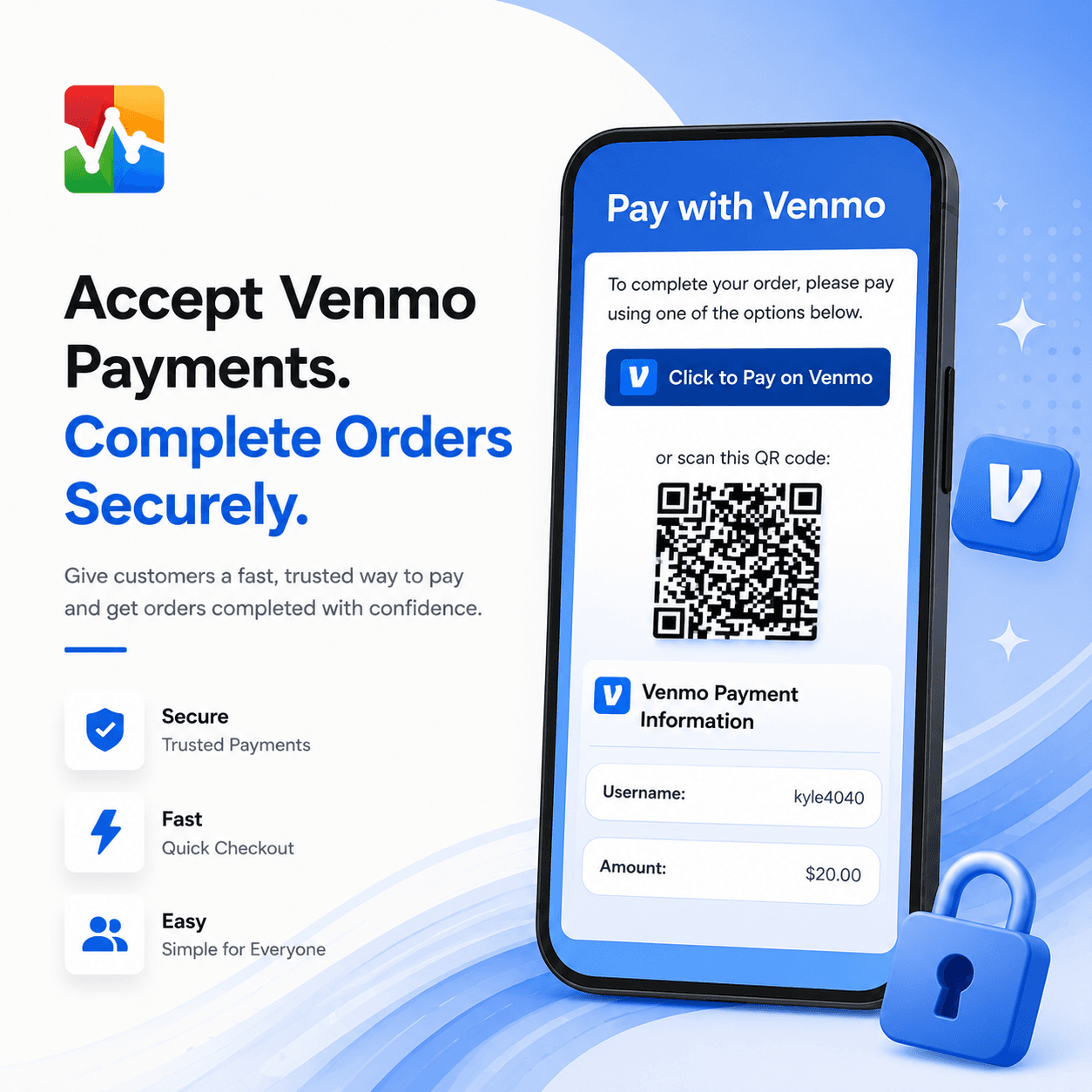
A Click to Pay on Venmo button for phones and a QR code for desktop. Both open Venmo with the payment already filled in.

 VPayments
Add Venmo to your WooCommerce checkout. Customers tap one button or scan a QR code, and the payment arrives with the exact amount and order number already filled in.
30-day money-back guarantee · Secure checkout by Stripe
Most stores that take Venmo end up matching payments to orders by hand. This plugin fills in the amount and the order number for the customer, so each payment is easy to find and confirm.
A Click to Pay on Venmo button for phones and a QR code for desktop. Both open Venmo with the payment already filled in.
Each payment includes the order number and exact total, so you can match it to an order at a glance.
Keep orders On Hold until you confirm the money arrived, or process them automatically.
Payment details appear on the thank-you page, in order emails, in My Account and wherever you place the shortcode.
Customers never have to copy your username or type the amount. The plugin fills in the payment for them.
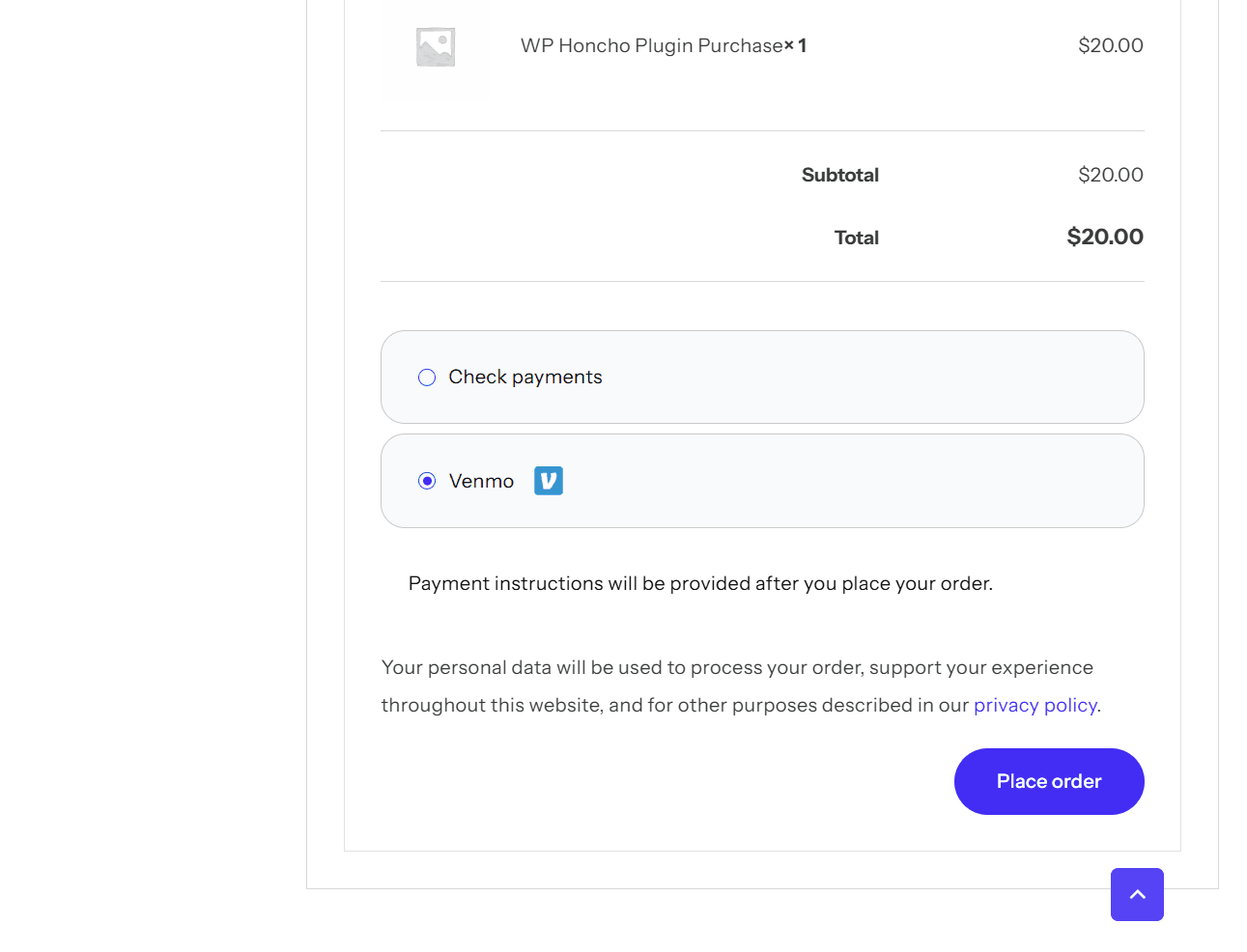
Venmo appears with the other payment methods in your normal WooCommerce checkout, under the title you set.
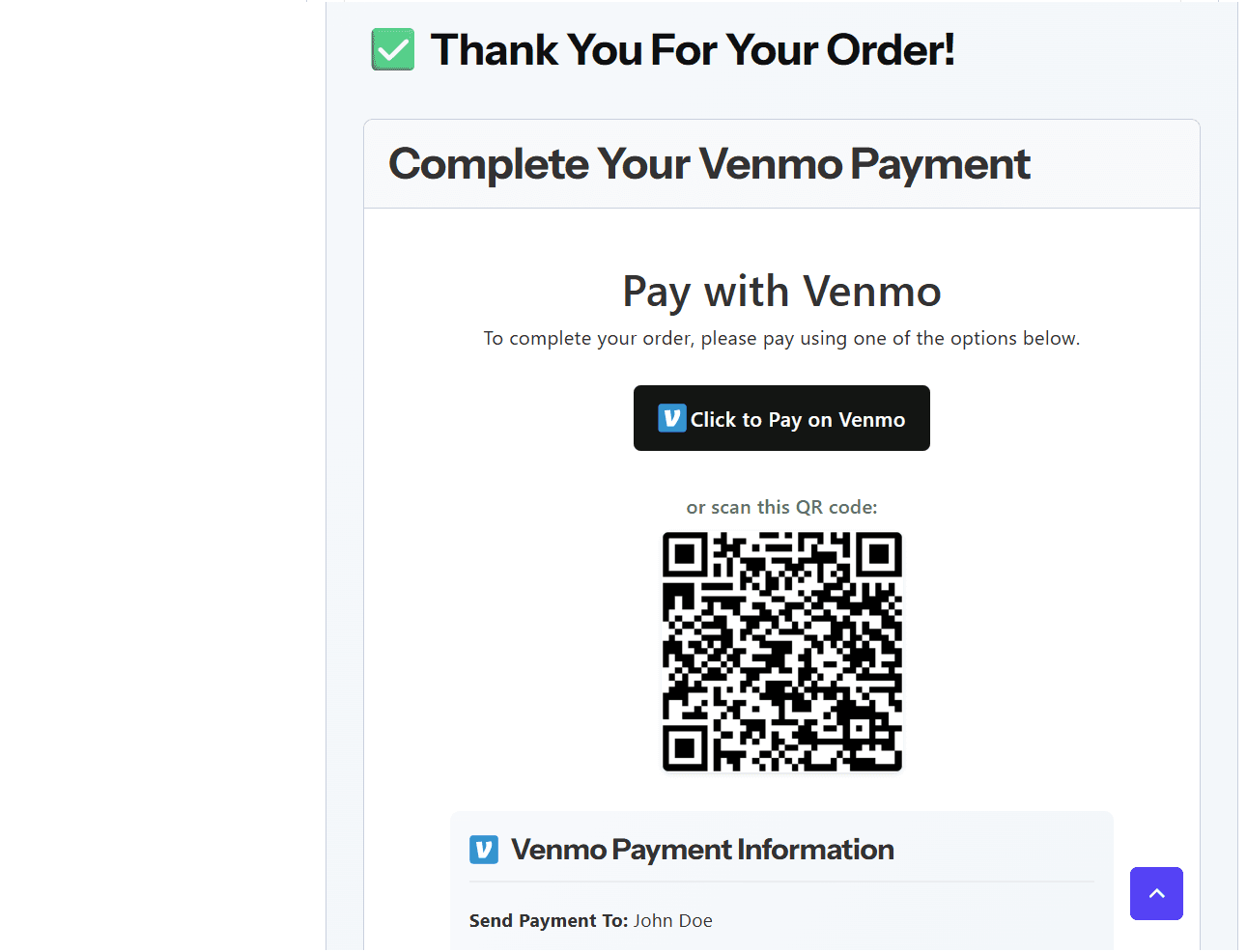
The thank-you page has a Click to Pay on Venmo button for phones and a QR code for desktop.
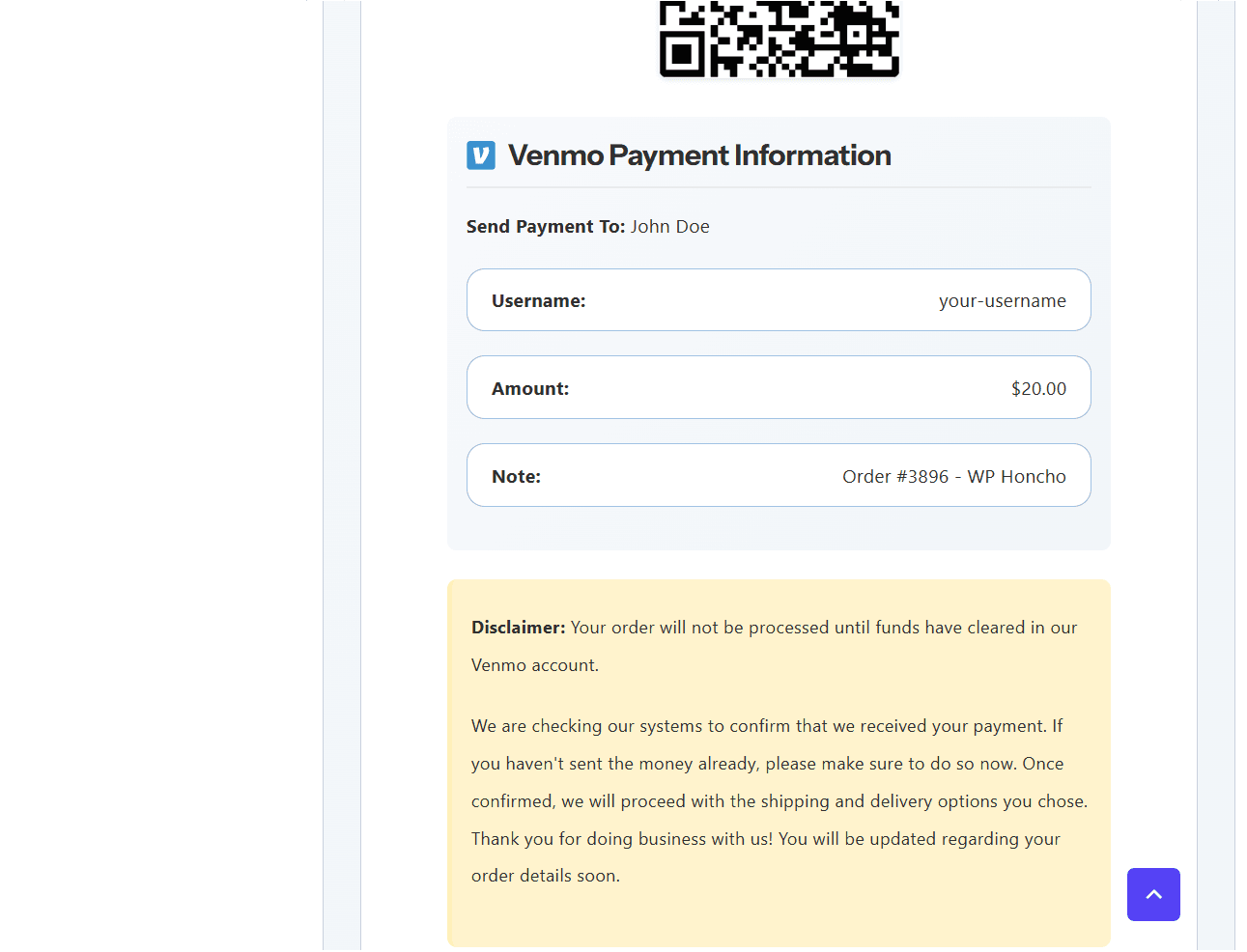
Your username, the exact amount and the order number are shown and entered in Venmo for the customer.
Checking Venmo for every order gets old fast. Turn on the built-in webhook and payments can update their orders automatically. Setup is optional, and the plugin walks you through it.
Your Venmo payment notification is forwarded to an email parser such as Zapier's Email Parser.
The parser pulls the order number and amount from the email and sends them to your store’s secure webhook.
If the amount matches the order total, the order moves to the status you choose: Processing, Completed or On Hold.
Overpayments and underpayments stay On Hold with a note. Every payment is logged on the Payment Receipts screen.
Secured with a secret key you can regenerate at any time. Duplicate notifications are ignored.
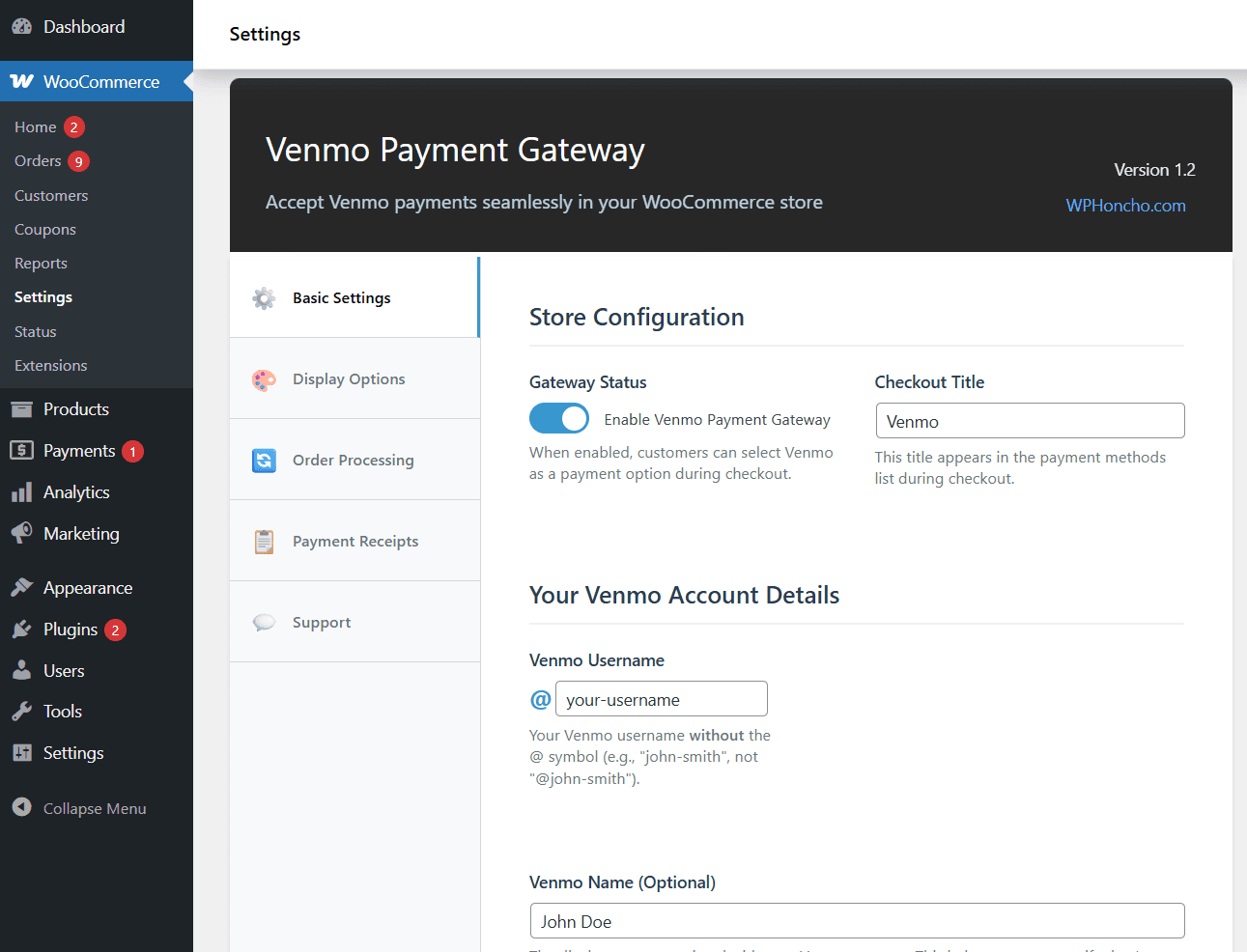
Turn the gateway on, set the checkout title and add the Venmo username and name customers will pay.

Try it on your store for 30 days. If it’s not the right fit, email me and I’ll refund your purchase. Refund policy
Just what I need for all of my clients sites! This works perfect and is so easy to setup. Thank you!!
No. Customers pay you directly in the Venmo app, and the plugin fills in your username, the amount and the order number for them. No API keys or Venmo developer account are needed, and the money goes straight to your Venmo account.
Every payment note includes the order number, for example “Order #3896 - Your Store”, along with the exact order total. Match the note in Venmo to the order in WooCommerce.
You pick one. Manual processing, which is recommended, puts new orders On Hold until you confirm payment. Automatic processing marks them Processing right away without checking payment.
Yes, optionally. Turn on the webhook and forward your Venmo payment emails through Zapier’s Email Parser or Zoho Mail. When the amount matches, the order moves to the status you choose. Over- and underpayments stay On Hold with a note, and every payment is logged on the Payment Receipts screen.
The payment instructions are also added to the order confirmation email and the order details in the customer’s account. You choose which order statuses show them. By default they show for On Hold orders.
Let customers pay with Cash App, with clear instructions so nobody’s left guessing.
Add Zelle to checkout and put the payment details right where your customers need them.

Add a manual PayPal payment option with straightforward guidance for customers.